id and variables (instead of sending the HTML), and Resend will render your final email and send it out.
- Login/Auth
- Onboarding
- Ecommerce
- Notifications
- Automations
Add a Template
You can add a Template:Add a Template in the dashboard
The Templates dashboard shows all existing templates. Click Create template to start a new Template.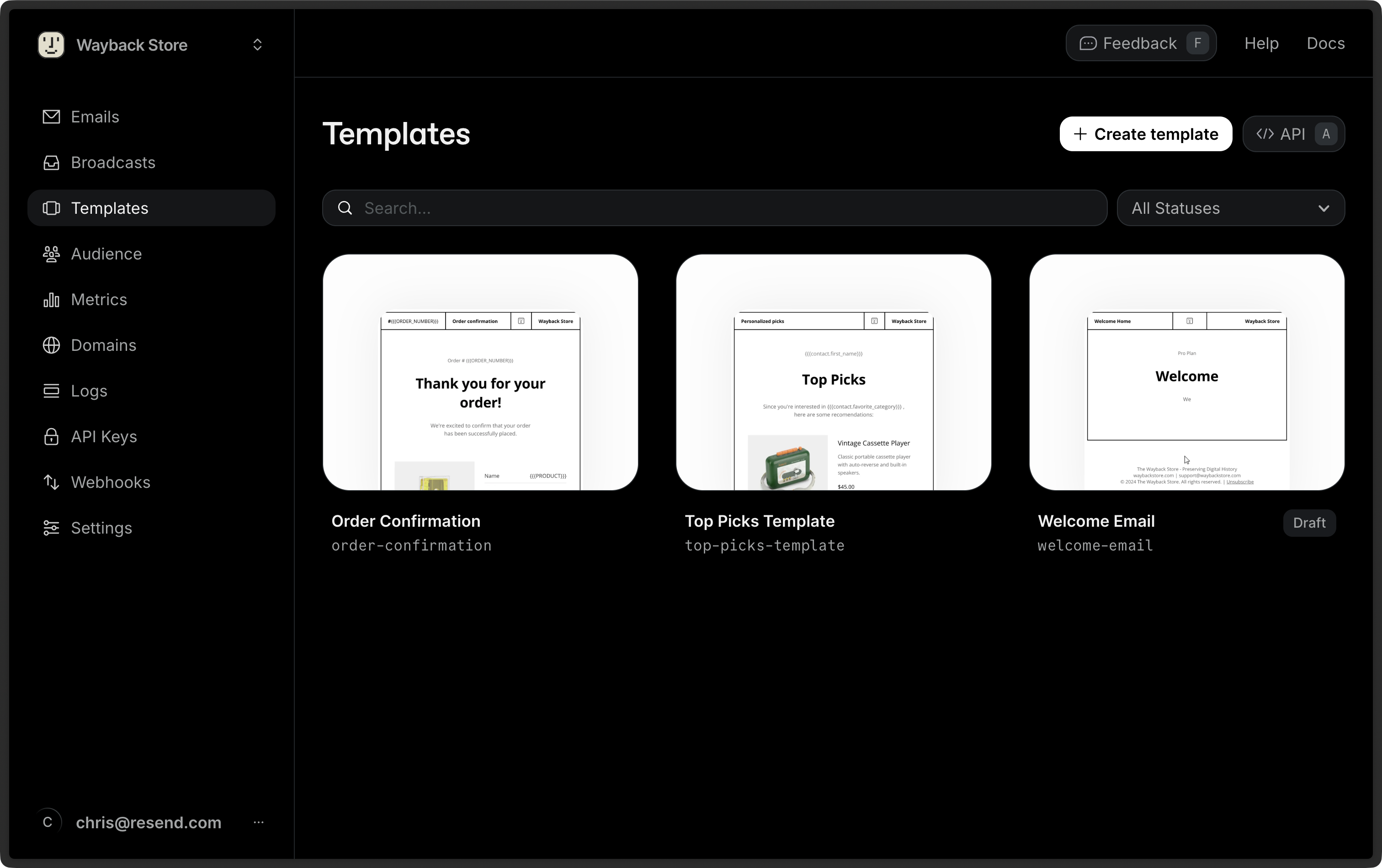
Add a Template from an existing email
You can create a Template from an existing Broadcast. Locate your desired Broadcast in the Broadcast dashboard, click the more options button , and choose Clone as template.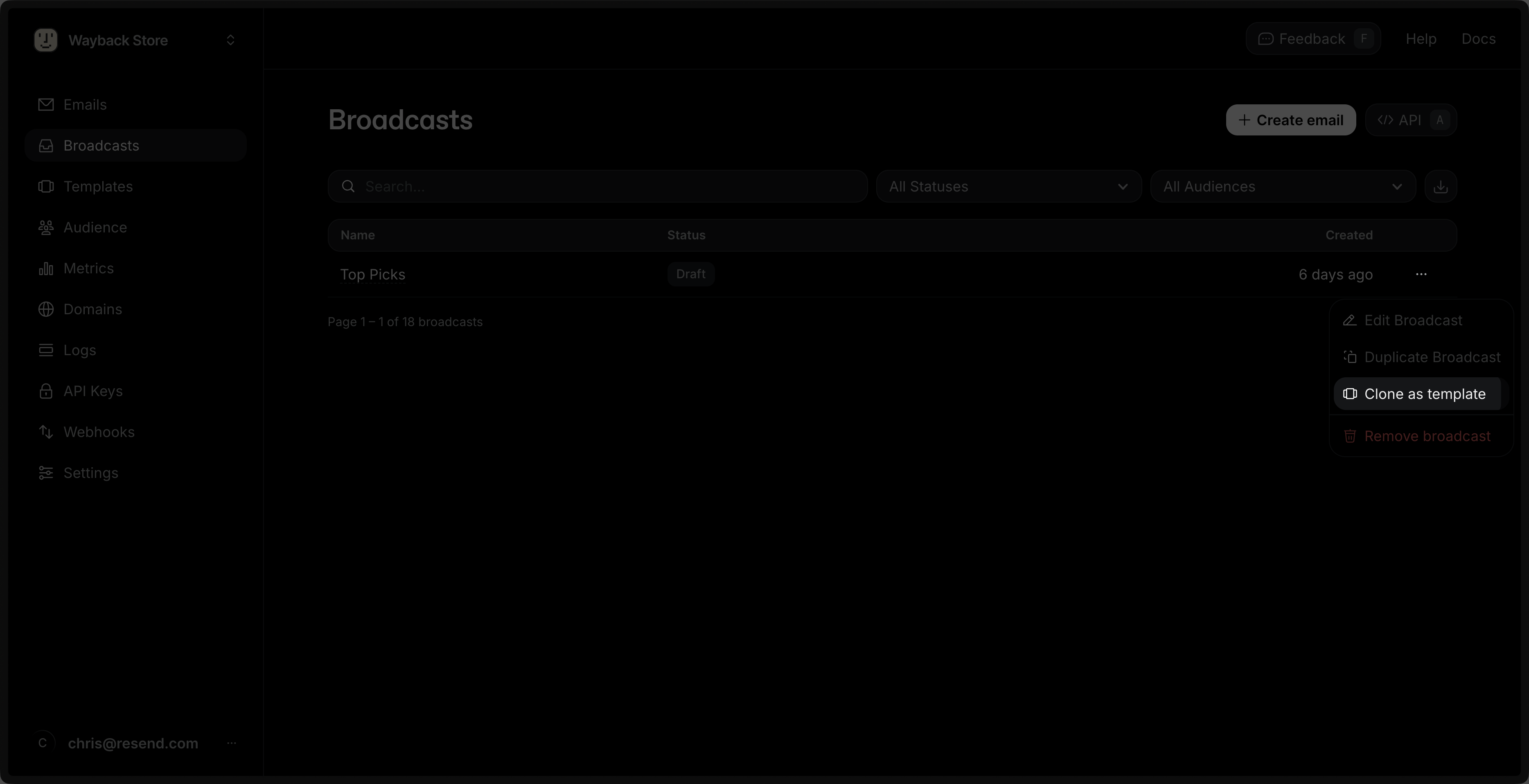
When pasting React Email code, only imports from
@react-email/components and
react are supported. Local file imports (e.g., ./components/Logo) and
other third-party packages are not supported in the editor.Create a Template by using the API
You can also programmatically create a Template by using the API. The payload can optionally include variables to be used in the Template.Add Variables
Each Template may contain up to 20 variables. To add a custom variable, select Variable in the commands palette or type{{ in the editor. Define the name, type, and fallback_value (optional).
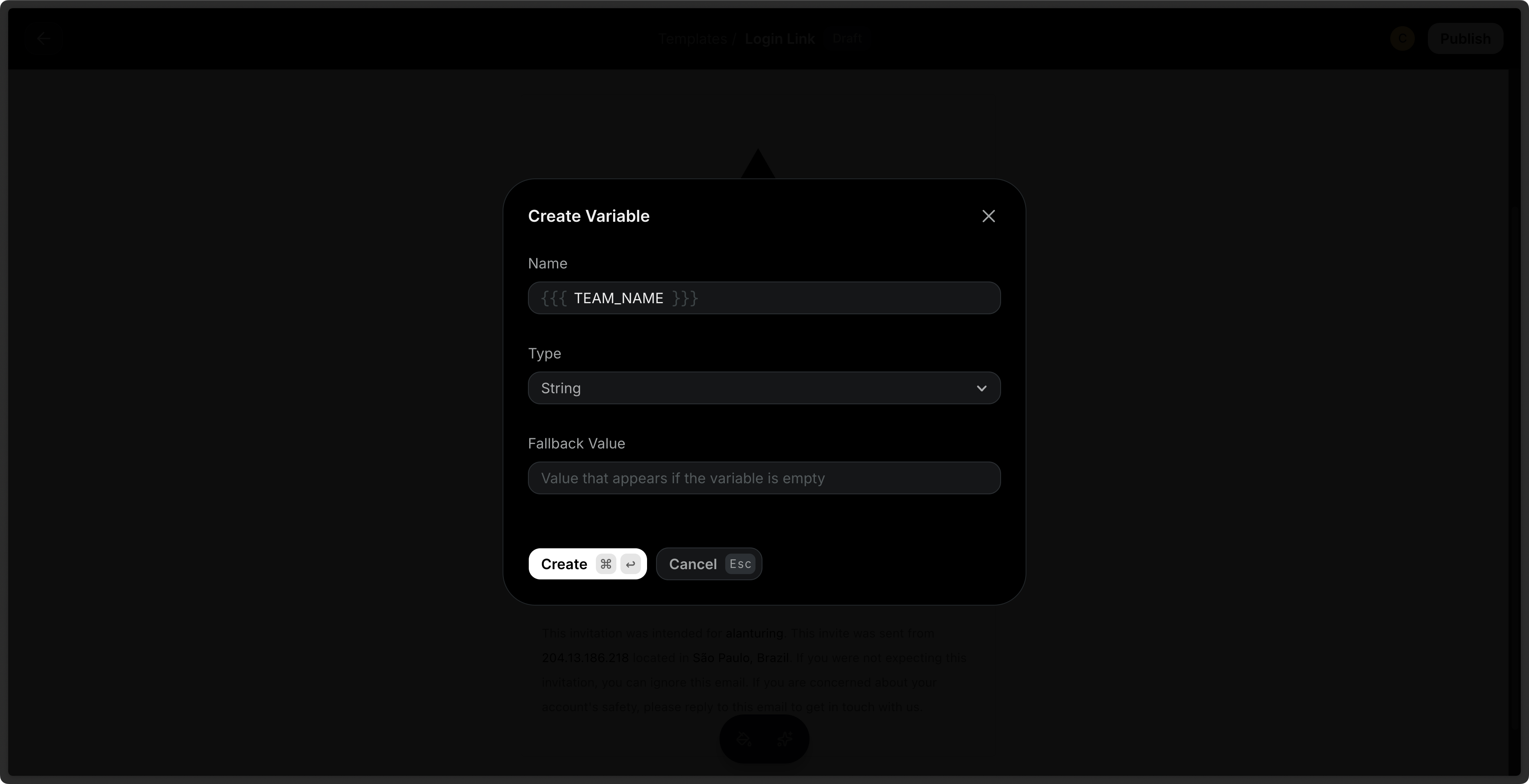
The following variable names are reserved and cannot be used:
FIRST_NAME,
LAST_NAME, EMAIL, RESEND_UNSUBSCRIBE_URL, contact,this.Send Test Emails
You can send test emails to your inbox to preview your Template before sending it to your audience. Provide variable values to test the rendered Template in your inbox.Publish a Template
By default, Templates are in a draft state. To use a Template to send emails, you must first publish it via the dashboard or via the API.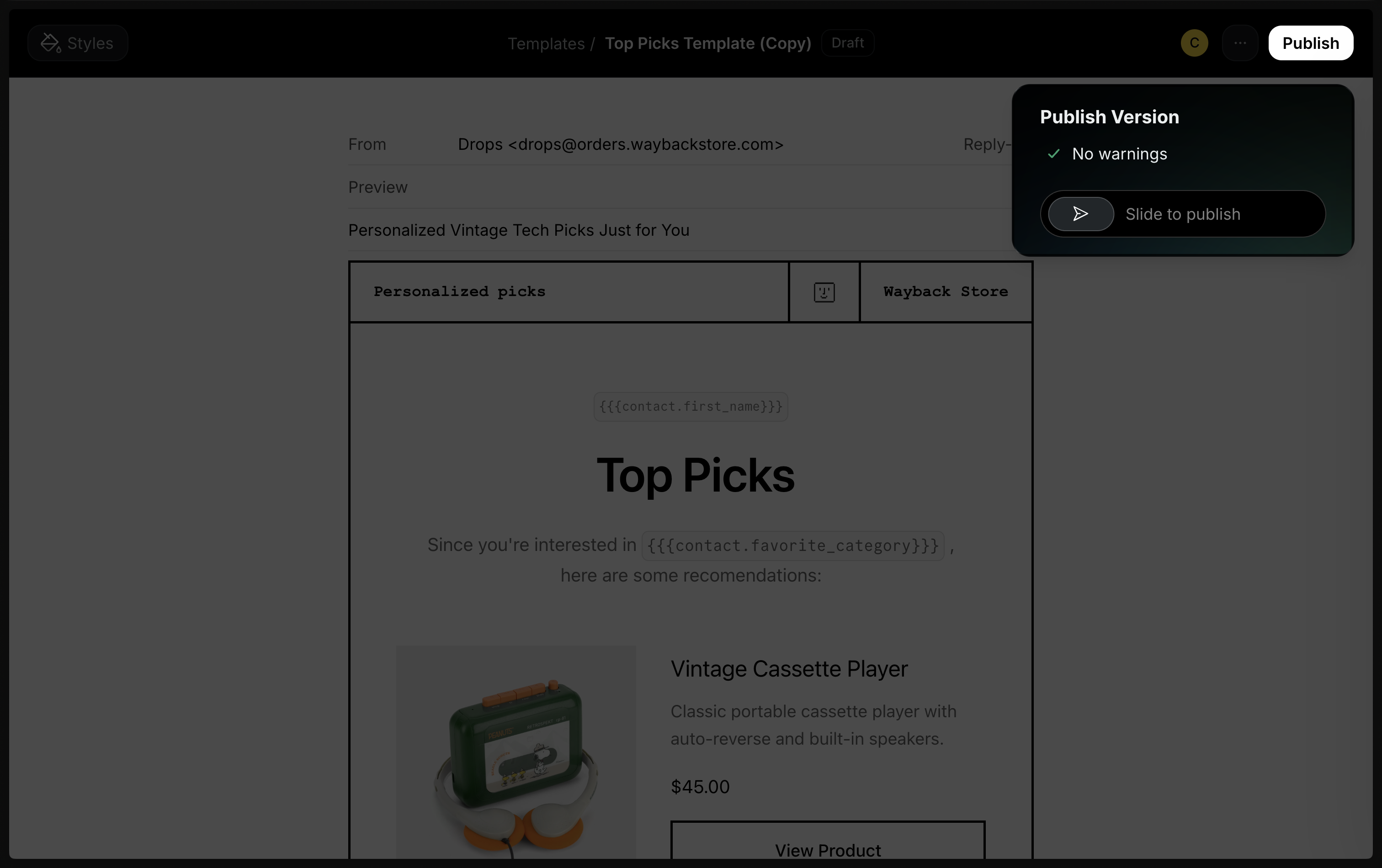
Node.js
Send Emails with Templates
When sending a transactional email, you can reference your Template and include your variables in the call. The Template variables will be replaced with the actual values.Duplicate a Template
You can also duplicate an existing Template in the dashboard or via the API.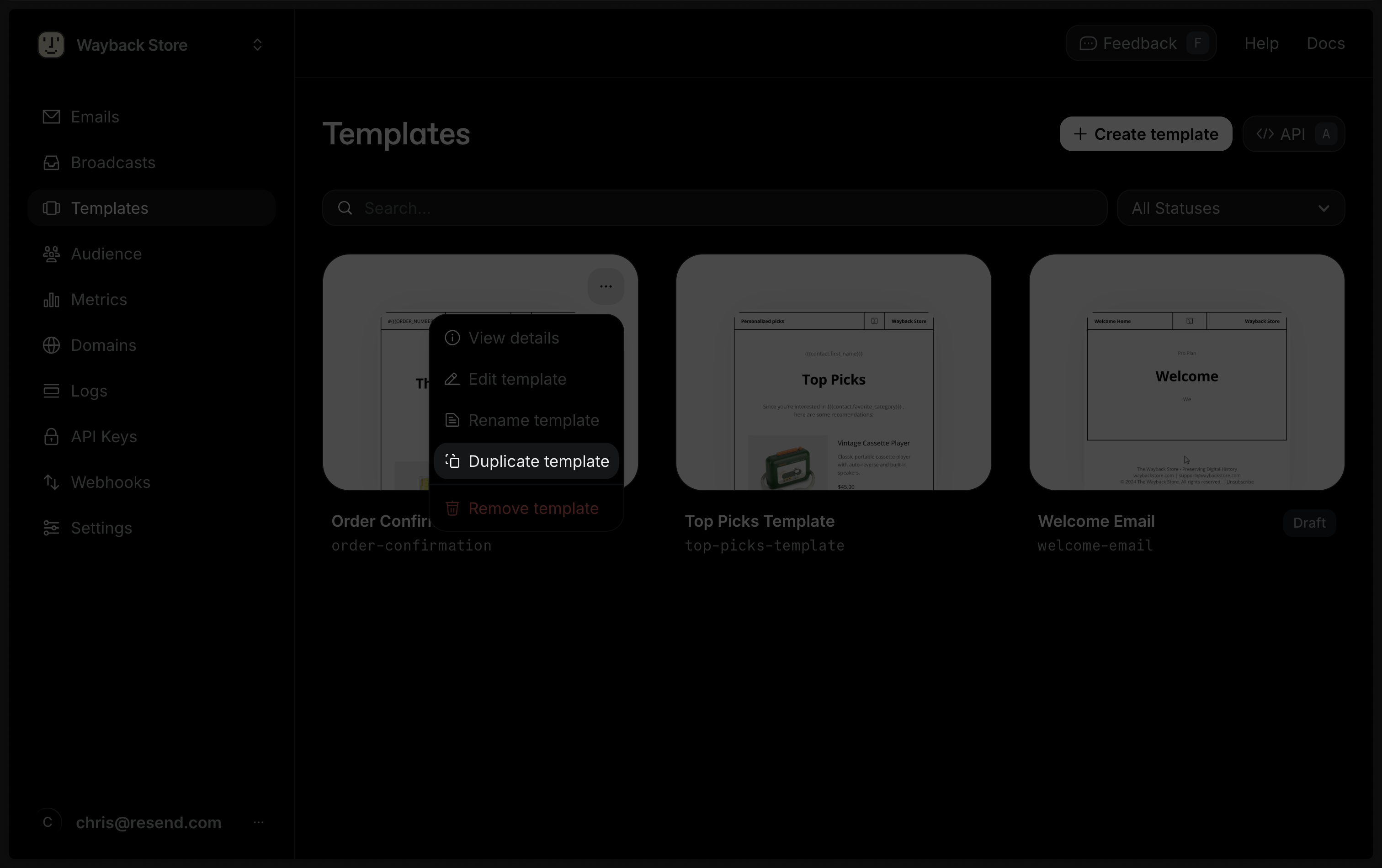
You can create a Template from an existing Broadcast. Locate your desired Broadcast in the Broadcast dashboard, click the more options button, and choose Clone as template.
Delete a Template
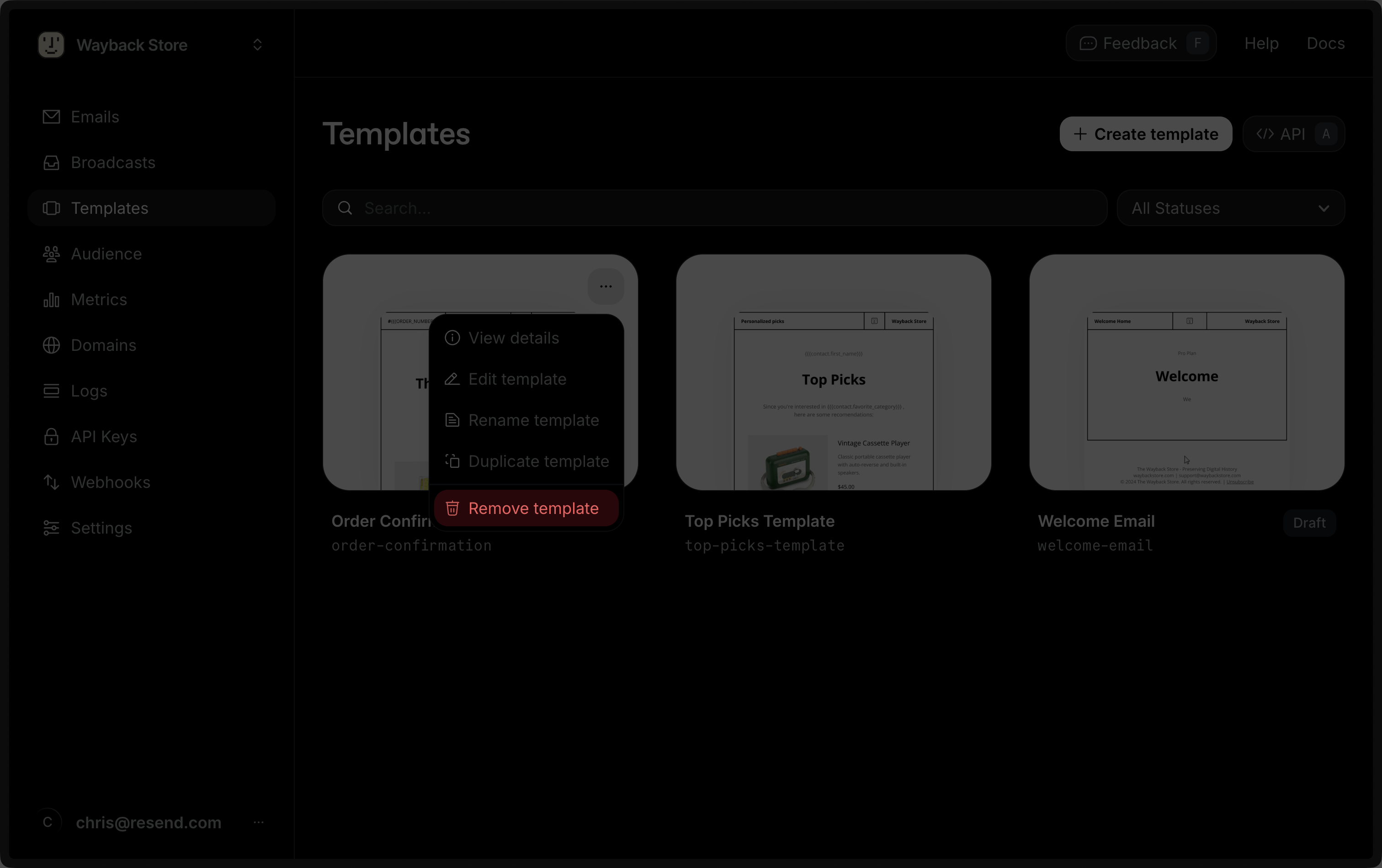
You can delete a Template via the dashboard by clicking on the Delete button or via the API.